How to Send a Password or Wi-Fi Code Without Leaving It in Your Chat History
Lock a private message with a password and send it as a link or QR code. Great for Wi-Fi codes, surprise plans and love notes. Encrypted on your device, never stored.
Wi-Fi passwords, door codes, account numbers, the login for a shared streaming account: we text these to people constantly, and they sit in plain text in chat histories, cloud backups and lock-screen previews long after anyone needs them.
Our free Secret Message tool gives you a better way. You write the message, lock it with a password, and send a link. Only someone with the password can read it.
How it works
- You write the message and pick a password. Your browser locks the message on your device with AES-256 encryption.
- The locked message goes inside the link. It sits after the "#" in the address, and browsers never send that part of a link to any website, ours included. There's no database, so nothing is stored anywhere that could leak.
- The other person opens the link and types the password. The message is unlocked on their device, and the page immediately wipes the locked part from their address bar.
What people use it for
Everyday stuff
- Wi-Fi passwords and door codes for guests, dog sitters and the cleaner, without leaving them in a group chat forever.
- Account logins for a shared streaming or utility account.
- Bank details or an address you'd rather not type into a plain email.
Between friends
- Surprise party plans that the guest of honor can't read if they glance at someone's phone.
- Gift lists and Secret Santa wishes, shared only with the person doing the shopping.
- Scavenger hunts and escape-room games: print the QR codes as clues and give out the passwords as answers to riddles.
- Spoilers, bets and predictions: lock your guess now, share the password after the finale or the big game.
Couples and secret admirers
- Love notes only your person can open. Make the password an inside joke, the name of your first date spot, or the song from that road trip.
- Anniversary surprises: hide the plan, or the reservation details, behind a QR code tucked into a card.
- A secret admirer note that only opens once you've told them the password in person.
Spy stuff (a bit of history, not a how-to)
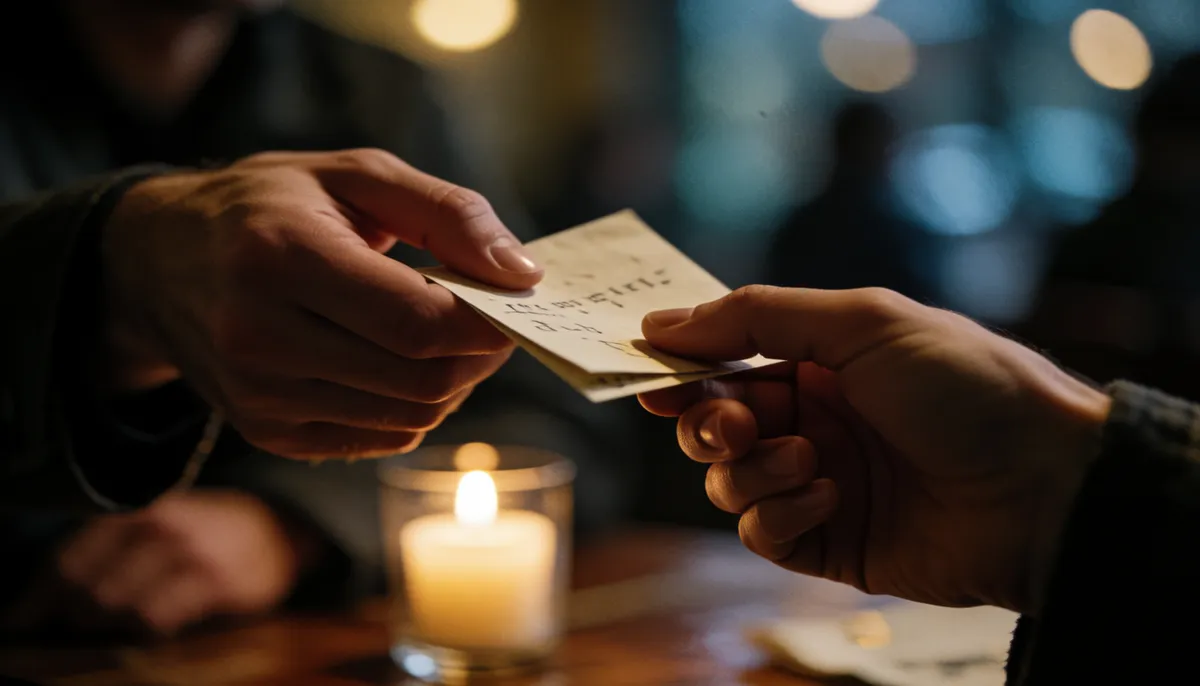
Locking a message so only one person can read it is about as old as messages. Spies have used invisible ink, book ciphers, one-time pads, "dead drops" where a note is hidden for someone to pick up later, and radio stations that read out strings of numbers. Secret Message is a modern cousin of the dead drop: the link can be left anywhere, and it's useless without the password.
That said, the spy-movie uses are the frowned-upon ones. Don't use it to hide things from people who have a right to know, to harass anyone, or to break the law. And if a stranger sends you a "secure message" asking for money, passwords or card details, that's a scam, not a spy.
Step by step
- Open Secret Message and type your message.
- Choose a password, or press Make a strong one.
- Press Lock & make link.
- Copy the link, share it, or show the QR code for someone standing next to you to scan.
- Send the password a different way. If the link goes by email, send the password by text or say it out loud.
Good to know
- Links can't be deleted or set to expire. Nothing is stored on a server, so there's nothing to delete. Without the password, though, the link is just scrambled text.
- Use a real password. Anyone holding the link can try to guess it, so "1234" isn't good enough. The built-in generator makes one that can't realistically be guessed.
- Keep messages short. Up to 10,000 characters fit, but some chat and text apps cut off very long links. Email handles long ones best.
- Be wary of strangers. If someone you don't know sends you a "secure message" asking for money, passwords or card details, it's a scam, whatever tool they used.
For files, use the File Locker
Need to protect a document or photo instead of a few lines of text? The File Locker password-protects any file in a way that opens anywhere.