How to Remove GPS Location from Your Photos Before Sharing
Every photo you take carries hidden location data. Learn how to strip GPS coordinates from your images in seconds before sharing them on social media or selling items online.
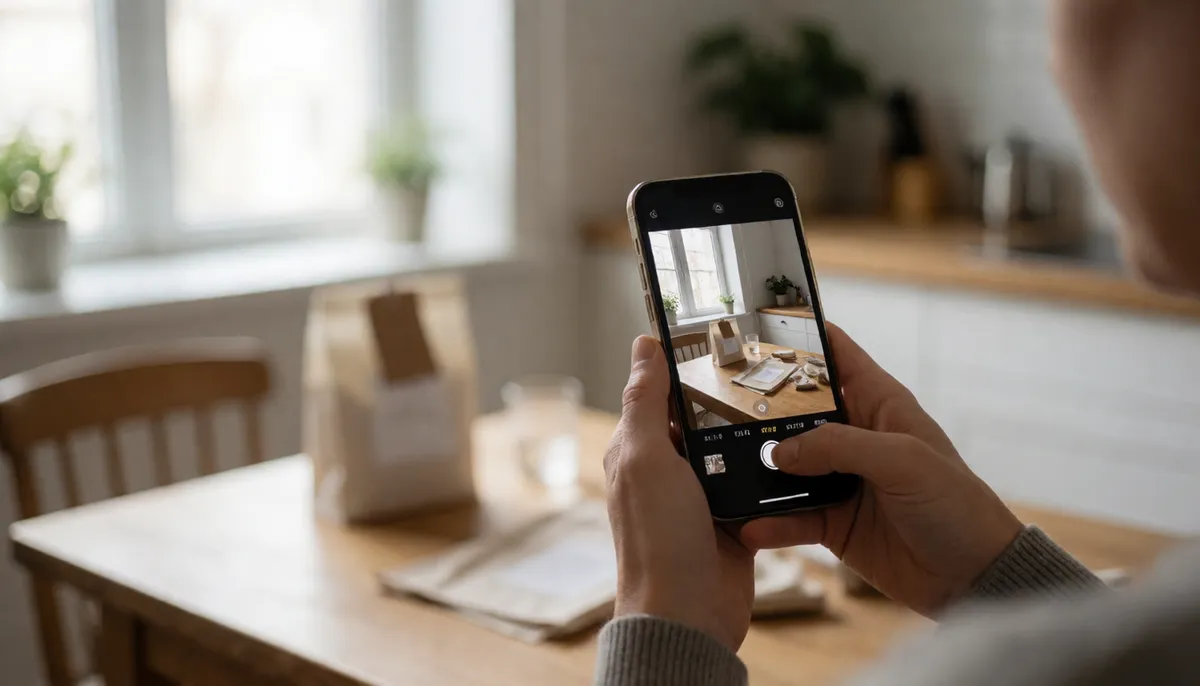
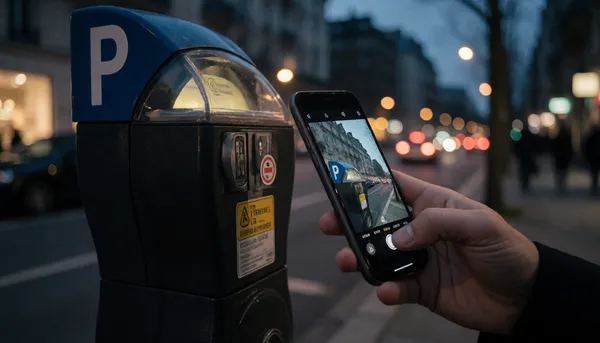
When you snap a photo with your phone, the camera does more than capture the moment. It also records exactly where you are. This GPS data is stored in the file’s metadata, often called EXIF data. If you post that picture online without checking, you are effectively telling the world your home address, your workplace, or your vacation spot. This is a privacy risk you can avoid with a quick check before you hit publish.
Why Location Data Matters
Metadata is invisible to most people, but it is easy to read. A photo of your new coffee table might include the exact latitude and longitude of your living room. A picture of your car in the driveway can reveal your street name and house number. For sellers on marketplaces, this is particularly risky. Buyers are already close to your item, but you don’t need to hand them a map to your front door. Stripping this data is a simple safety step that protects your personal space.
How to Strip GPS Data Quickly
You don’t need complex software to fix this. Most modern smartphones have a setting to "Share Original" versus a compressed version, but the safest route is to use a dedicated tool. Nebula's Image Compressor & Metadata Remover lets you upload your photo, shrink it if you want, and completely strip out the GPS coordinates and camera info in one click. The process takes less than ten seconds. The image quality remains high, but the hidden location tags are gone forever.
Protecting Your Privacy on Marketplaces
If you are selling things on Facebook Marketplace, Craigslist, or eBay, always assume the photo is public. Even if you delete the listing later, screenshots and cached versions of your photos can remain. Before you list an item, run your photos through a metadata cleaner. This ensures that the only information the buyer sees is the price and the description. It is a small effort that adds a significant layer of security to your daily online activities.
Make It a Habit
Privacy is best maintained when it becomes routine. Think of metadata removal like locking your door before you leave the house. You don’t have to think about it every time, but you always do it. By using a browser-based tool, you avoid installing apps or uploading files to third-party servers. Your photos stay on your device until you are ready to share the clean version. Protect your location, share your moments, and keep your personal life private.